
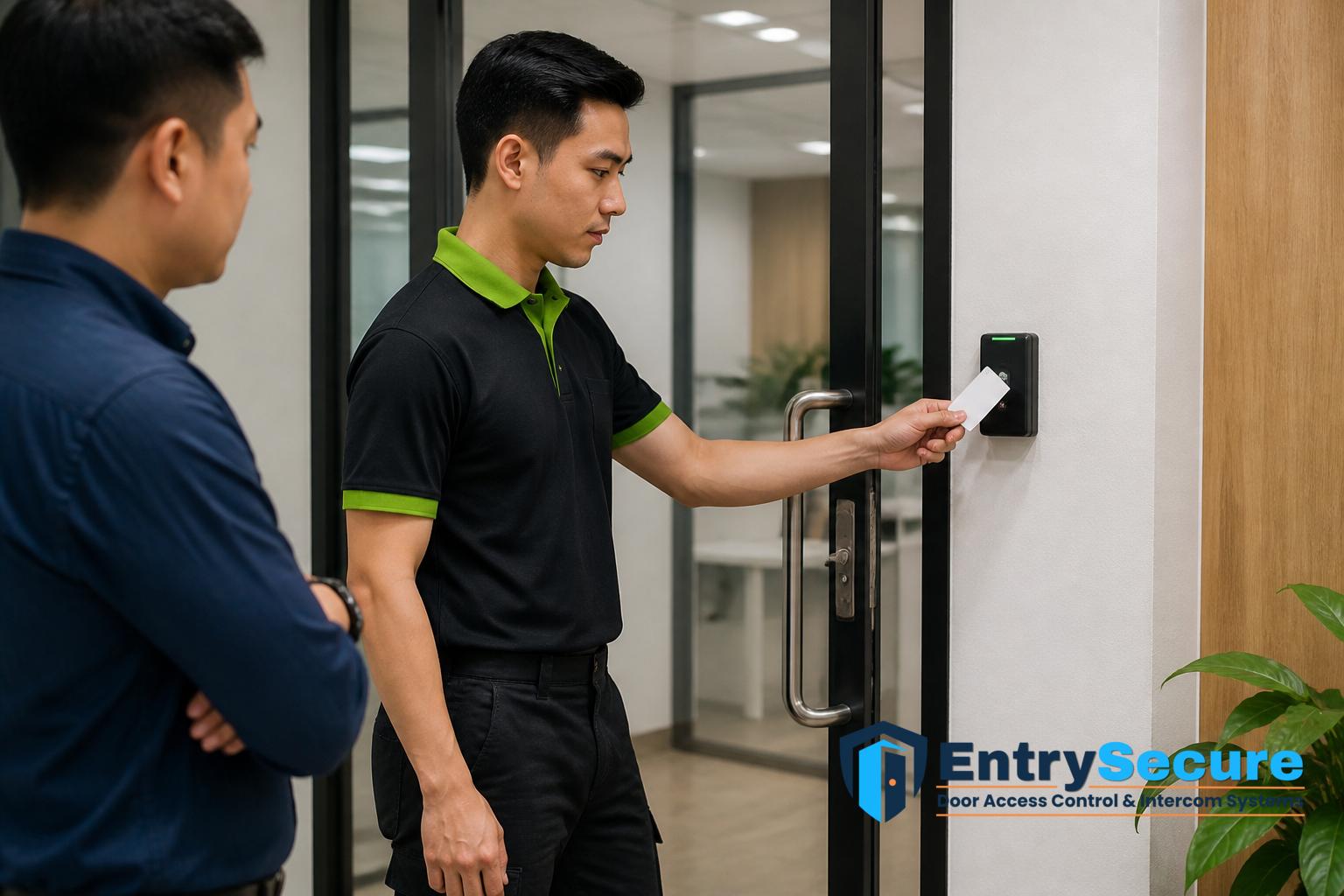
Setting up access cards and user permissions for a Singapore office door access system is less about adding as many cards as possible, and more about organising who should enter, where they should enter, and when access should apply. A well-planned setup helps facilities teams, office managers and business owners keep daily movement orderly while maintaining control over sensitive areas such as server rooms, records storage, pantries, meeting rooms or after-hours entry points.
Understanding how office access card setup works
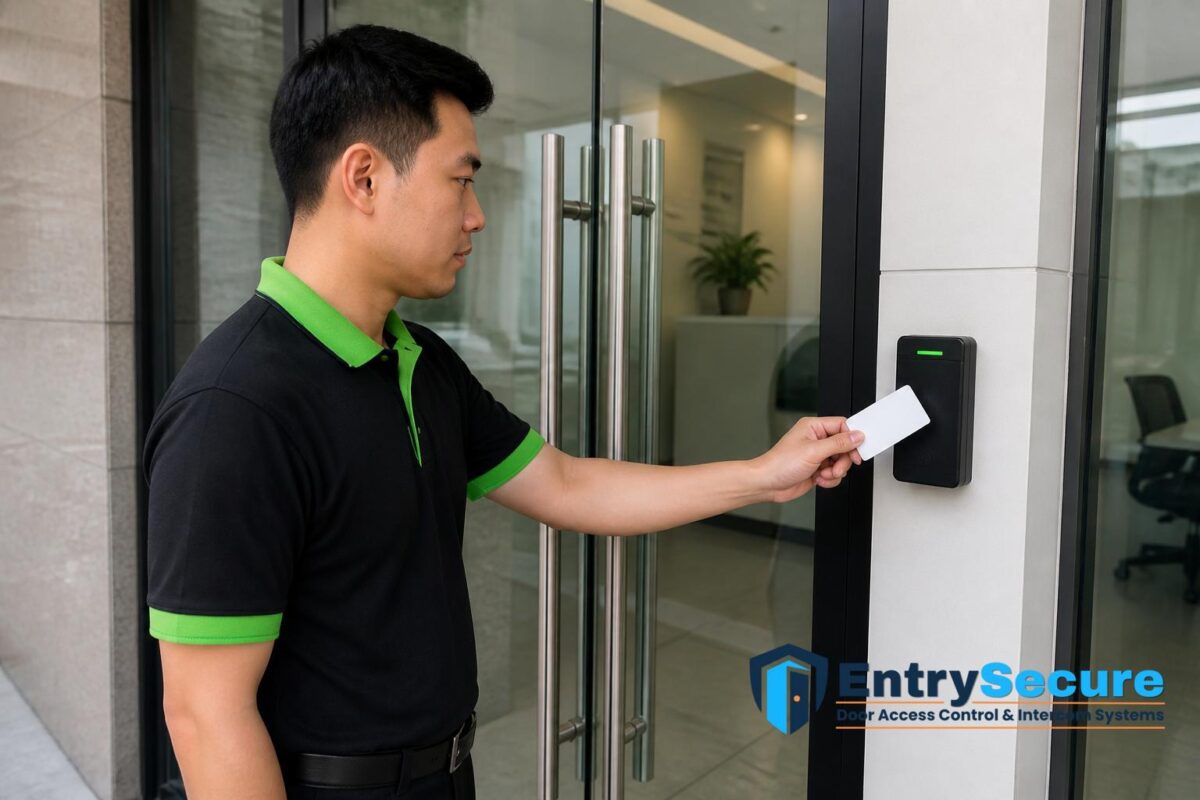
In a typical office door access system, each access card is registered to a named user or a specific role. When the card is presented at the reader, the system checks whether that card is authorised for that door and, if relevant, for that time period. This makes the setup process an administrative task as much as a technical one: the system must be configured with the right users, doors and permissions before cards are issued.
For Singapore offices, this is especially important in shared buildings, multi-tenant premises and workplaces with rotating staff. Not every employee needs access to every entrance. Reception staff may need front-door access, while IT personnel may need access to equipment rooms. Contractors may need temporary permissions that are removed once work is complete.
Mapping office entry points before cards are issued
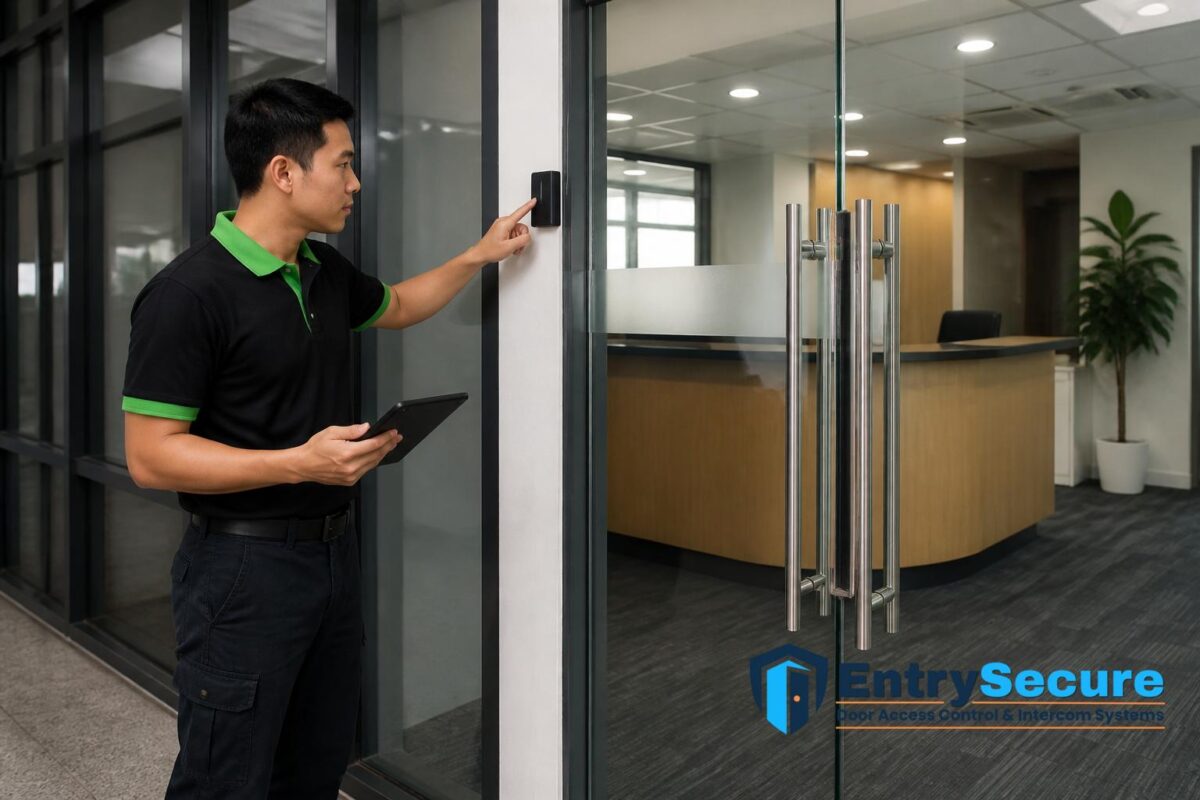
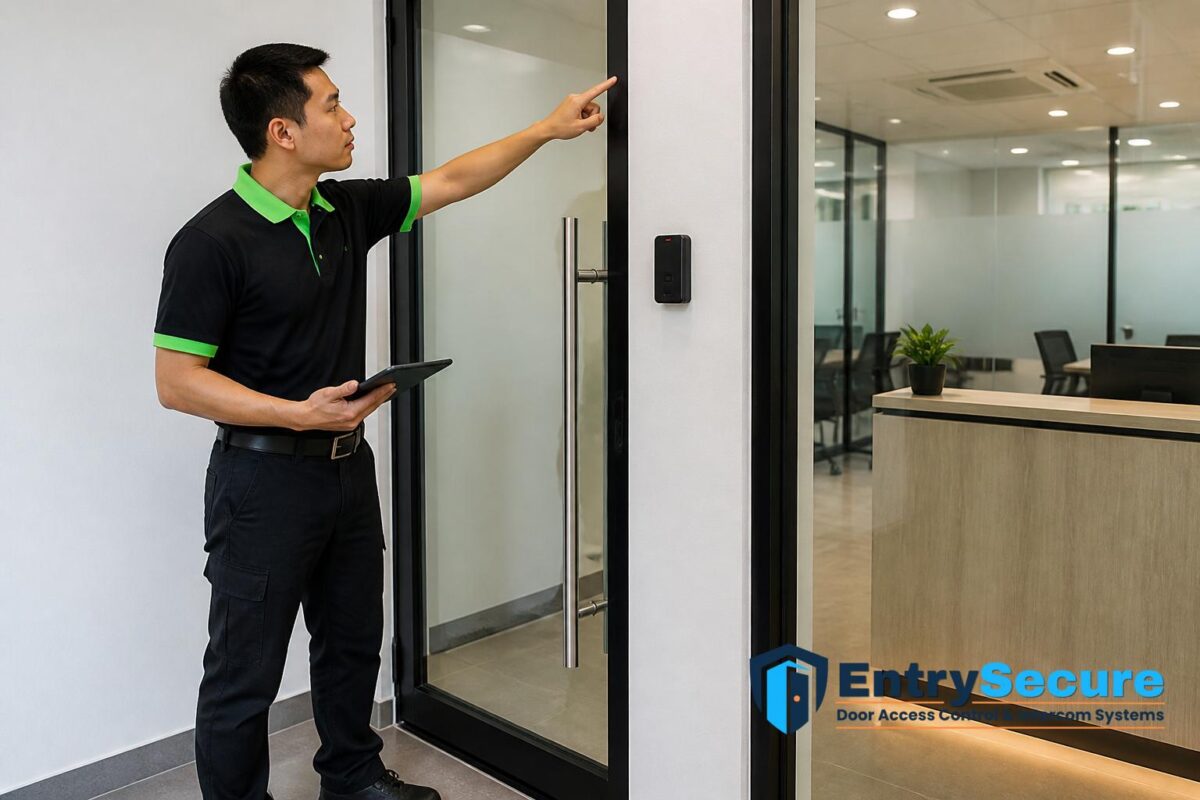
The first practical step is to identify each entry point that will be controlled. This may include the main office door, side entrances, back-of-house doors, lift lobby access points or internal restricted rooms. Once the entry points are listed, the administrator can decide which cardholders need access to which doors.
This mapping stage reduces confusion later. If the permissions are defined before cards are programmed, the office is less likely to issue overly broad access rights. It also supports better day-to-day administration because new starters, visitors and temporary staff can be assigned access according to their actual duties rather than a generic office-wide setting.
Assigning user permissions by role, department and location
User permissions are usually set by grouping people according to role or department. For example, management may receive wider access, while general staff are limited to their work area and main entrance. In larger offices, permissions may also be based on floor level, branch location or business unit, especially where different teams work in separate zones.
It is also common to separate permanent and temporary access. Permanent staff may have standard office hours access, while contractors, cleaners or project teams may be granted restricted access for specific dates or times. This approach keeps the system practical to manage and helps the office avoid unnecessary open access across the premises.
Programming access cards and linking them to named users
Once the access plan is agreed, each card is typically encoded or enrolled into the system and linked to a user record. The record may include the staff member’s name, department, card number and the access rights assigned to that card. This makes it easier to manage replacements, changes and deactivation if a card is lost or a staff member leaves.
It is good practice to keep the card register accurate from the start. If cards are issued without clear records, it becomes difficult to trace which credentials belong to whom. A structured setup also supports internal administration, as offices can review who has access to which areas without depending on memory or informal arrangements.
Setting time schedules and access conditions
Many office access control systems allow permissions to be linked to time schedules. For example, some cards may only be valid during working hours, while others may allow access after hours for authorised personnel. This is useful for companies with staggered shifts, weekend operations or office cleaning outside business hours.
Access conditions can also be applied by door or by user group. A visitor or contractor might be permitted entry only for a limited period, while a senior manager may have broader access across multiple doors. Careful scheduling helps the office maintain order without creating unnecessary administrative burden for daily operations.
Testing the setup before handing it over for daily use
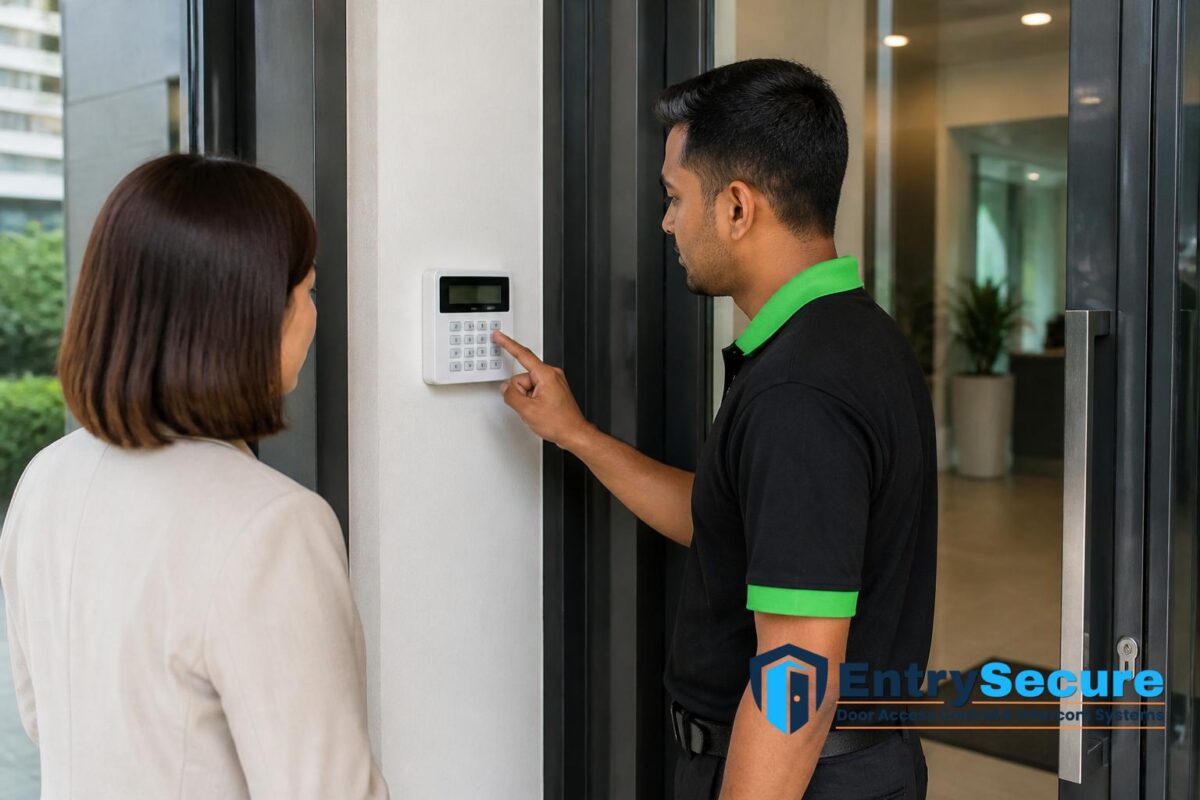
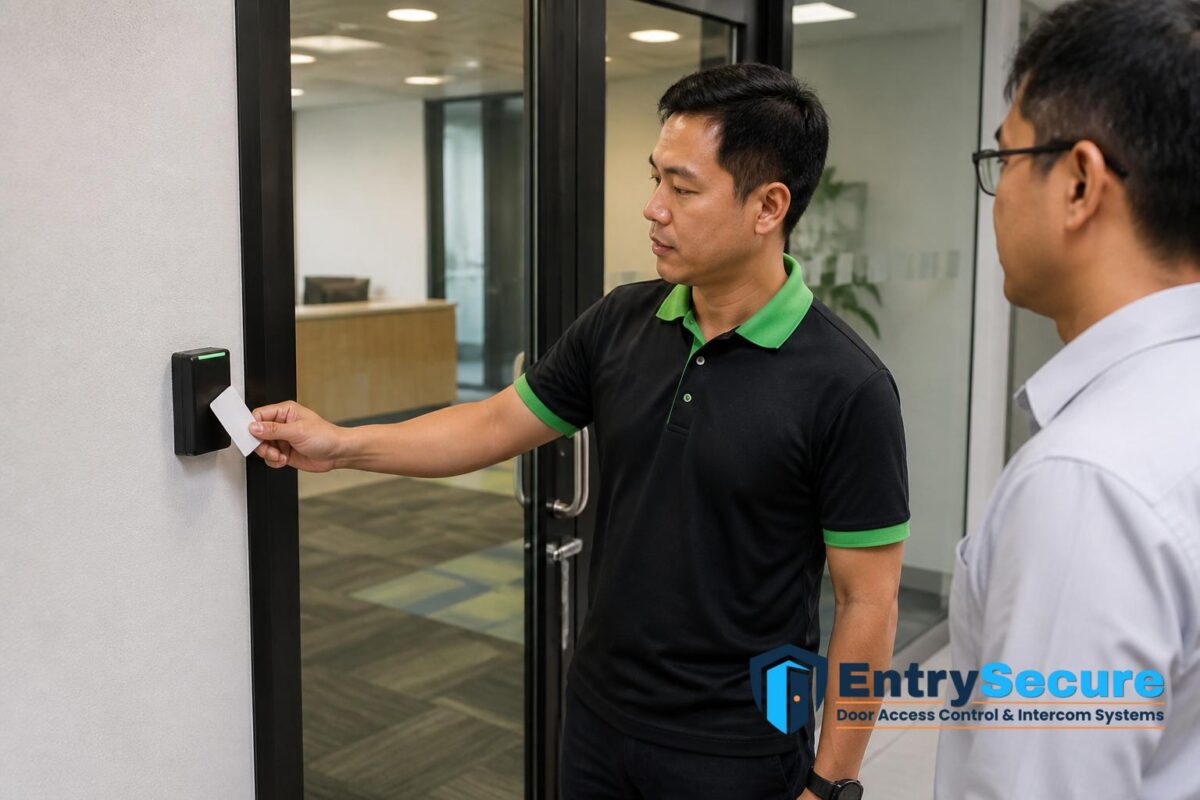
Before the system is handed over, each card and permission level should be tested at the relevant doors. This confirms that authorised users can enter where expected and that restricted users are properly limited. It is also the stage where any naming errors, door mapping mistakes or timing issues can be corrected.
Testing should be practical rather than rushed. A proper handover usually includes checking the main entrance, internal restricted areas and any doors that operate differently from the rest of the office. For example, one door may require scheduled access while another remains available throughout the day. Verifying these points early helps reduce disruption after staff begin using the system.
Managing changes, replacements and new starters
An office access system needs ongoing administration after installation. New employees may need cards added, existing users may need permission updates, and lost or damaged cards should be removed from active use. If a staff member changes role, their permissions should be reviewed so access remains appropriate for their new duties.
For Singapore offices with frequent hiring, rotating teams or outsourced support staff, this administrative process is especially important. A clear record of issued cards, active users and permission levels makes it easier to keep the system organised over time. It also supports smoother operations during onboarding, transfers and offboarding.
Why professional setup matters for office access control
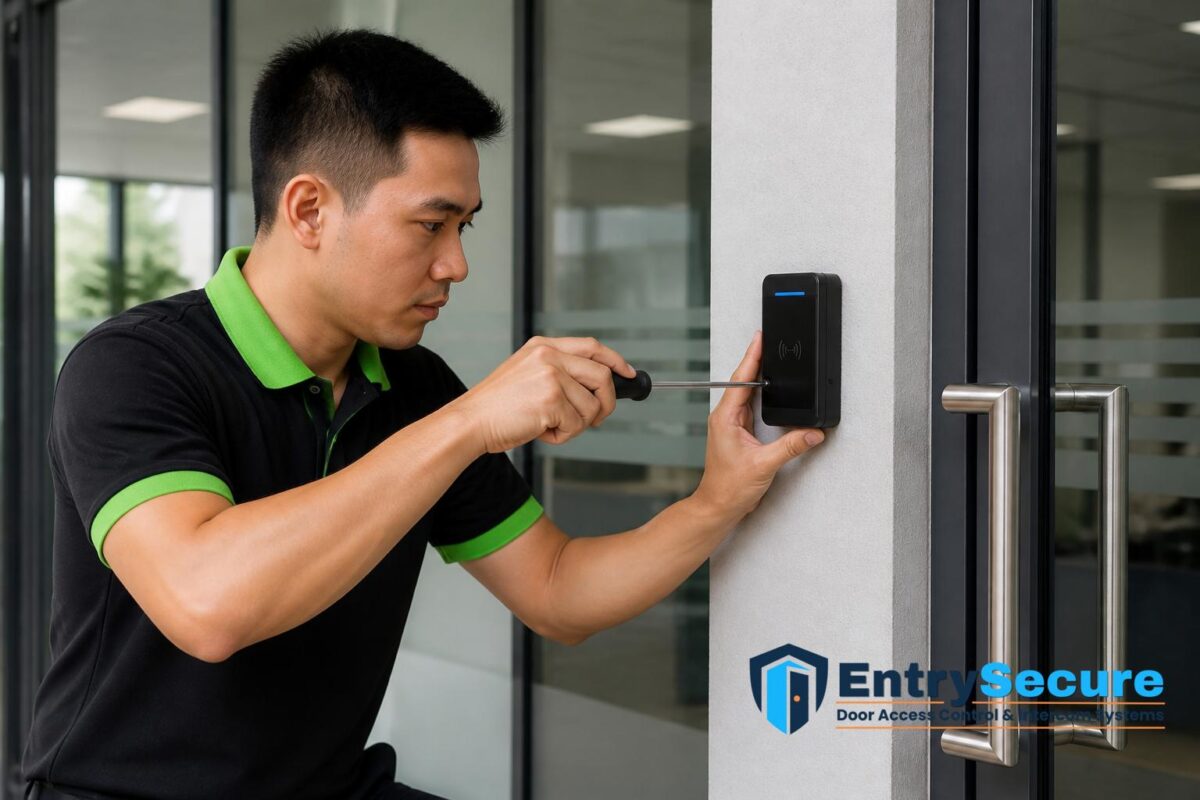
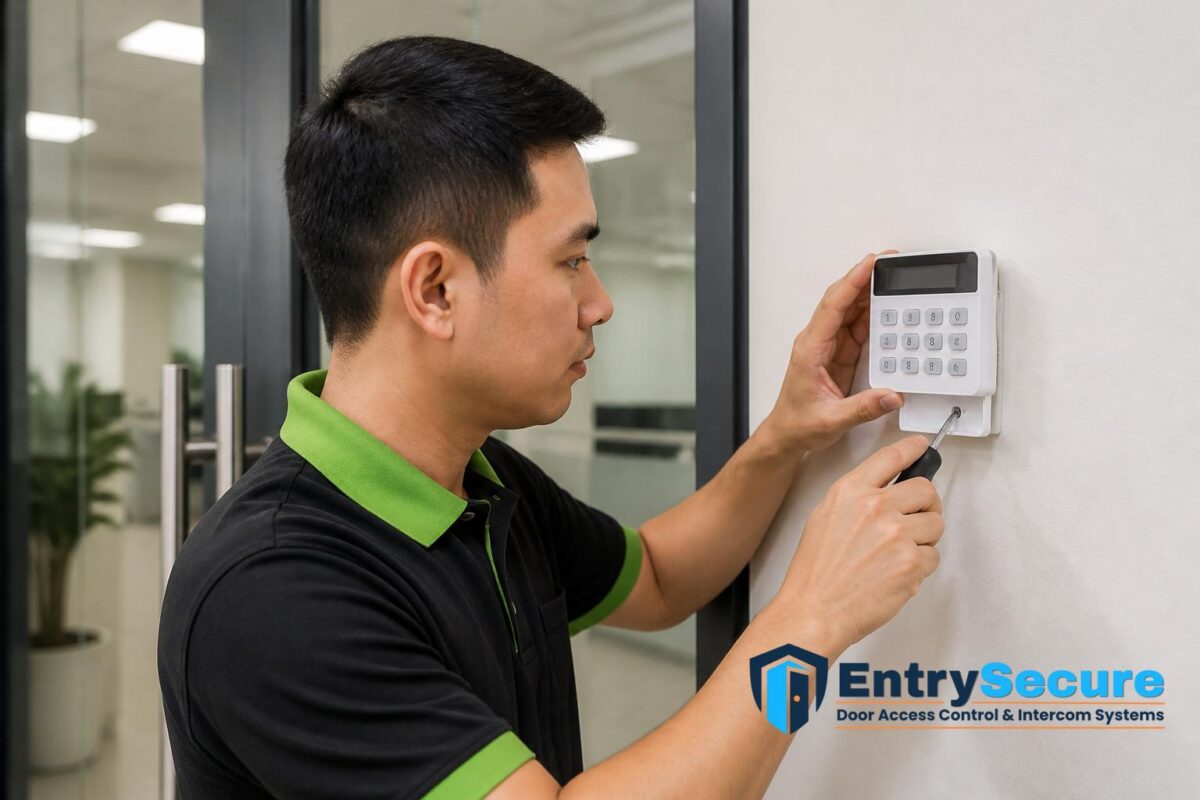
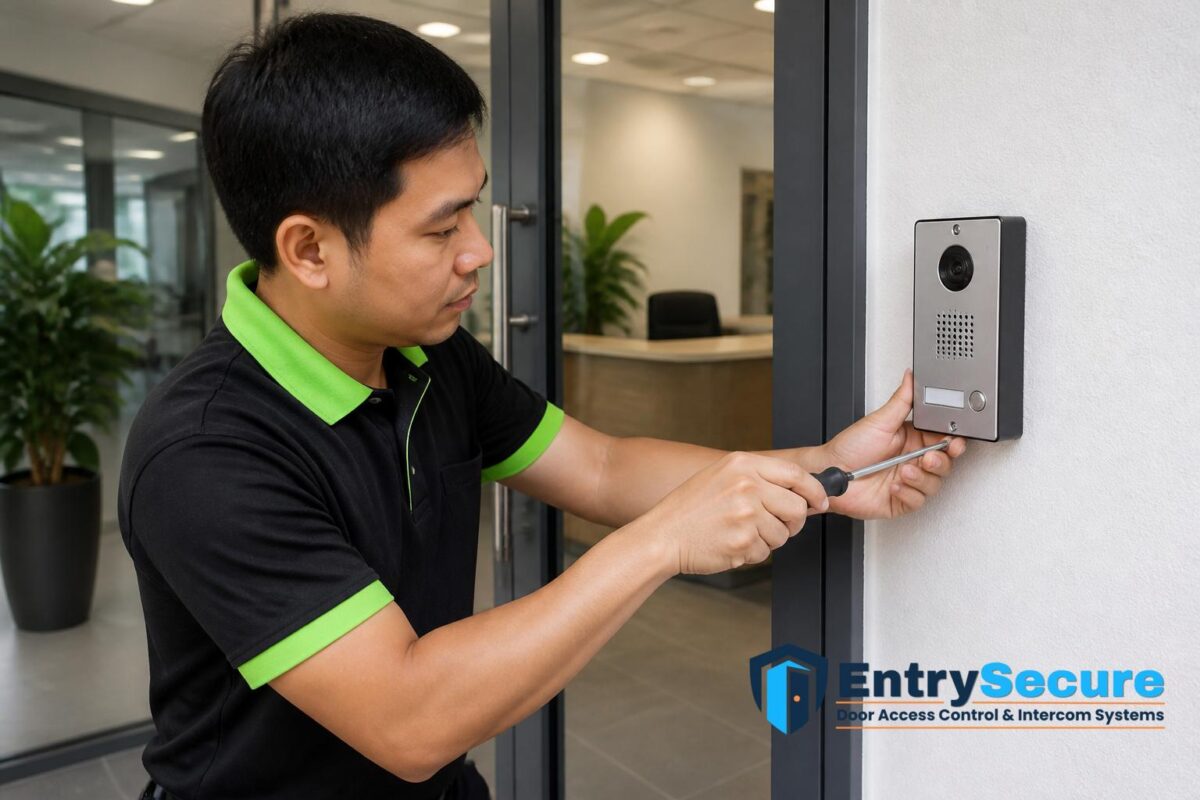
Although access cards may seem straightforward, the underlying setup involves planning doors, users, schedules and records in a way that fits the office’s day-to-day routine. Professional installation and configuration help ensure the readers are placed appropriately, the cabling is routed neatly and the permissions reflect the actual working patterns of the business.
For office managers, this means the system is easier to administer after handover. For facilities teams, it means fewer access disputes and less confusion when staff move between departments or work on different schedules. A properly planned setup also makes future adjustments more manageable as the business grows or changes layout.
WhatsApp EntrySecure Door Access Control & Intercom Systems Singapore to discuss your office door access control system setup, and share your property type, entry point photos, current equipment and required access scope so the team can recommend a suitable arrangement and quotation.
Conclusion
Access cards and user permissions for Singapore office door access systems should be set up with clear planning, accurate user records and practical door-by-door control. When the system is configured around actual office needs, it becomes easier to manage staff access, temporary permissions and future changes while keeping daily entry organised and efficient.
Choose EntrySecure Door Access Control & Intercom Systems Singapore
EntrySecure Door Access Control & Intercom Systems Singapore provides access and security solutions for homes, offices and commercial properties across Singapore. Our services cover access control, door access systems, intercom systems, security systems, alarm systems and security alarm systems to support safer and more convenient entry management.
Based on your property layout and security needs, our team can recommend a suitable setup for controlling access, managing visitors and improving overall premises security. We also provide CCTV services for customers who require additional monitoring alongside their access or alarm system.
Whether you need a new door access system, intercom installation, alarm setup or a more complete security solution, our team can assist with a practical arrangement for your property. WhatsApp us at +65 8241 0032 to enquire about our access and security system solutions.
Frequently Asked Questions
How are access cards usually assigned in an office door access system?
Access cards are normally linked to named users or specific roles in the system. Each card is then programmed with permissions for the doors and time periods that user is allowed to access. This allows administrators to manage entry in a structured and traceable way.
Can different staff members have different door permissions?
Yes. Office access systems are commonly set up so that different departments, roles or individuals receive different permissions. For example, reception staff may only need access to the main entrance, while management or IT staff may need access to additional restricted areas.
What should be checked before handing over an office access card setup?
The cards should be tested at the relevant doors, and the permissions should be checked against the planned access list. It is also important to verify any time schedules, temporary user settings and restricted areas so the system is ready for daily use.